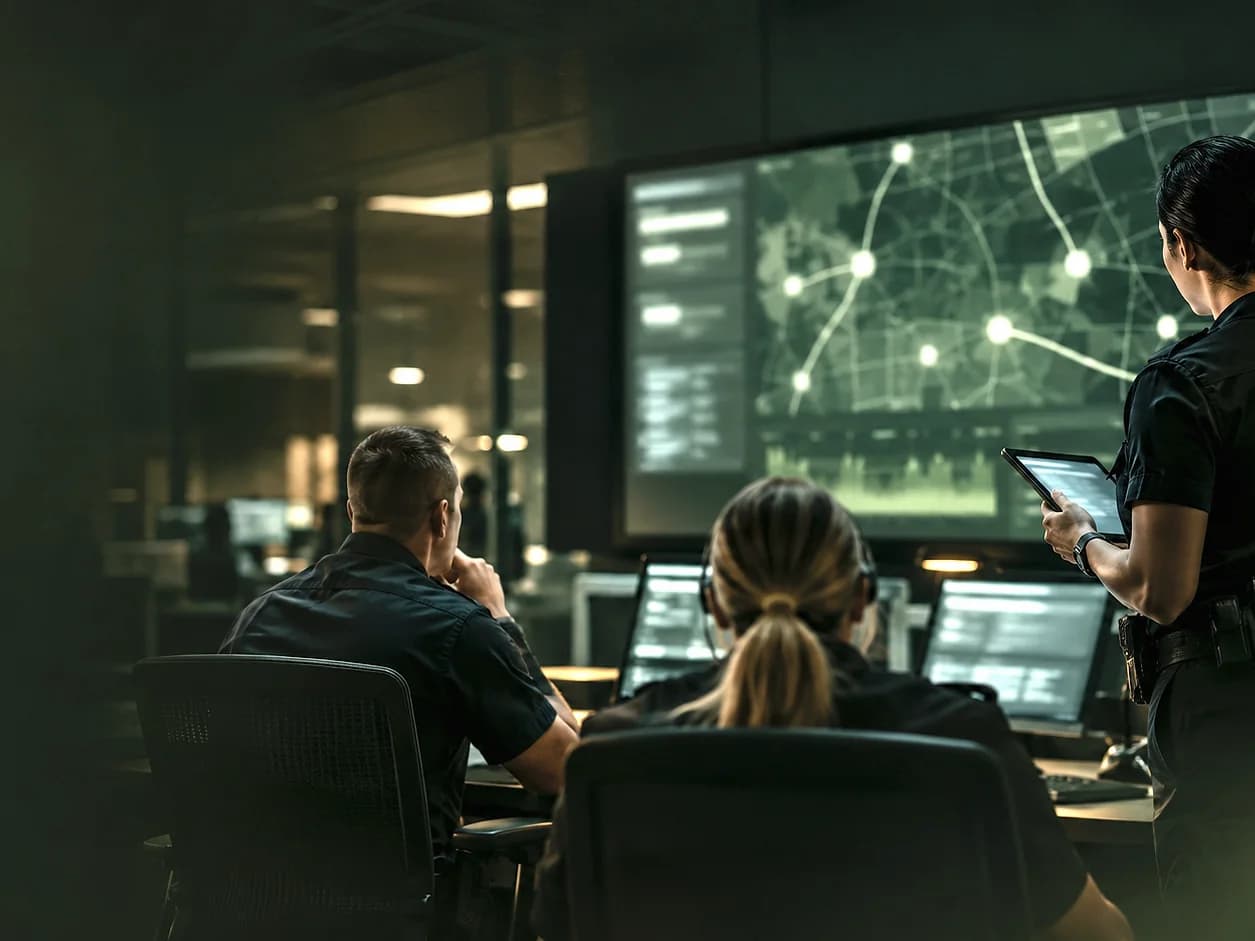
Cross-channel AI assistance
AI that does the groundwork. People who make the call.
SafeAI Intelligence handles the slow parts of intake across every channel: turning speech into structure, checking it against the source, matching places to the map, screening images and finding duplicates. AI-derived values stay separate from the original evidence and remain open to correction.
- Works on
- Voicemail, mobile, web and staff reports
- Produces
- Structured fields, review flags, location candidates, duplicate candidates, image labels
- Keeps
- Source evidence separate from AI-derived values
- Decides
- Nothing consequential. Staff review and approve
What it does
What SafeAI Intelligence does for your team.
Voice-to-record extraction
Voicemail becomes a title, narrative, category, severity and safety context.
Grounding check
Names, numbers and places are checked against the transcript before they reach a field.
Location intelligence
Stated places are geocoded, with uncertain results left for staff to confirm.
Review and quality flags
Missing fields, non-police matters and failed reads are surfaced for attention.
Duplicate detection
Time, geography and meaning are compared to connect reports about the same incident.
Evidence screening
Images are classified for review, with graphic reviewer copies blurred and originals kept.
Text in images
OCR reads text inside photos to add context to evidence screening.
SafeAI Intelligence in practice
Explore the workflows already built in.
Three areas where SafeAI Intelligence saves your team time today.
- Narrative
- Incident summary
- Classification
- Category + subcategory
- Safety context
- Urgency, weapon, injury
- Location
- Spoken place + confirmation
From caller context to structured records
The caller's words. A useful starting point.
CallAssist turns a voicemail transcript into a narrative, category, severity and safety context. Grounding checks filter unsupported identifying details from extracted fields, keeping the caller's words available for review.
How it works
Where a person stays in the loop.
Extract
AI drafts the structured fields from the source material.
Check
Unsupported details are filtered; uncertain ones are flagged.
Review
Staff see the source beside the output and correct anything.
Decide
Consequential actions, like a CAD handoff, are always a person's decision.
Scope and boundaries. AI assists review; it does not guarantee accuracy. Video is not AI-scanned, phone reports are never merged automatically, and dispatch decisions remain with your agency.
Capabilities
Capabilities behind SafeAI Intelligence.
AI incident summaries
A title, narrative and classification drafted for every voicemail.
Learn moreAI severity & safety flags
Suggested severity, safety flags and review flags on every record.
Learn moreLocation intelligence
Spoken places geocoded, uncertain matches left for staff to confirm.
Learn moreDuplicate detection
Related reports found by time, geography and meaning, with history kept.
Learn moreEvidence review & moderation
Image screening, OCR, blurred reviewer copies and originals kept intact.
Learn moreReal-time voice intake
Calls become records seconds after the caller hangs up.
Learn moreMultilingual intake
Transcribe and translate reports in the languages your community speaks.
Learn moreAsk SafeAI search
Ask questions of your records in plain English.
Learn morePattern & hotspot detection
Repeat locations, emerging clusters and trend alerts.
Learn moreAutomated redaction
Faces, plates and personal details redacted for public release.
Learn moreAI shift briefings
A written summary of the last shift, ready at roll call.
Learn moreThe SafeAIOne platform
Works with the rest of the platform.

SpotOnn
A direct line from your community. Non-emergency reports arrive with a GPS pin and photo or video evidence, and residents can track them by reference code.
Explore SpotOnn
CallAssist
Turn a non-emergency voicemail into a structured record, with the recording, transcript and extracted details kept together for review.
Explore CallAssist
SafeAI RMS
The agency workspace. Review incoming reports by priority, examine the evidence and keep a clear history of every decision.
Explore SafeAI RMS
CAD Integration
Send a reviewed record to CAD after readiness checks and a person's approval, with call type, priority, narrative and location mapped, and keep the CAD incident reference.
Explore CAD Integration
Let's talk about your agency
See SafeAI Intelligence
with your workflow.
A guided demonstration follows one record from intake to the CAD incident reference, using your categories and your call types.
Here to report an incident?