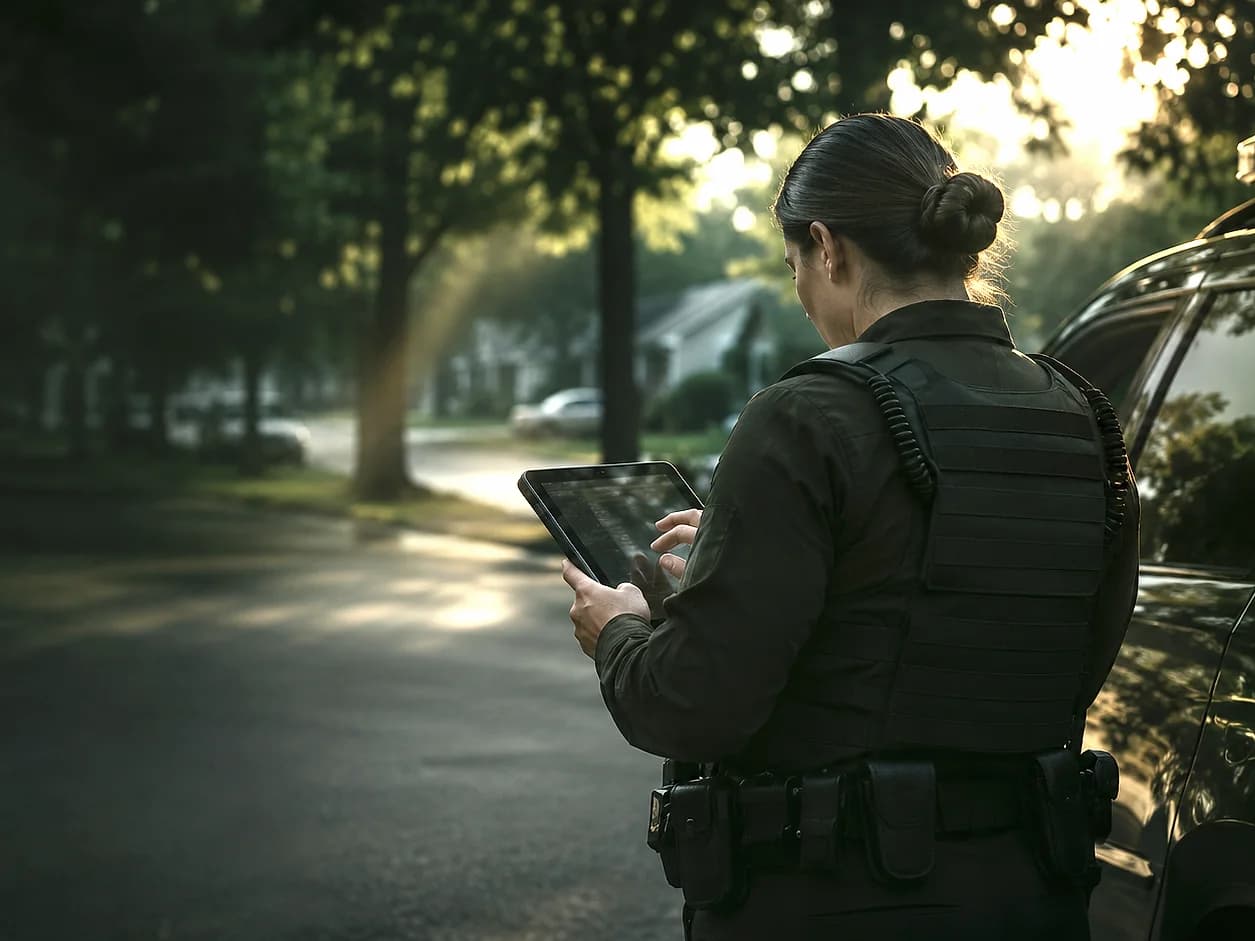
Records and operations workspace
One workspace for everything that comes in.
SafeAI RMS is where reports from the app, the web, the phone line and your staff become one canonical incident record. It puts priority first, keeps the evidence with the record and writes down who decided what. It can run as your intake-focused record workspace or alongside an existing records system.
- Who uses it
- Records staff, supervisors, communications and command personnel
- What it holds
- The original report, related submissions, evidence, reviewer decisions and CAD references
- How it fits
- Intake-focused records workspace, or alongside your existing RMS
- Records kept
- Every reviewer change and AI extraction, with audit history
What it does
What SafeAI RMS does for your team.
Priority-first queues
Priority 1 at the top, time waiting on every record, and pending triage always visible.
The canonical record
Reporter details, location, media, transcript, narrative and related reports on one card.
Evidence review
Graphic images are blurred for review, restricted content is held in its own queue, originals are kept.
Incident map
See verified incident locations across your jurisdiction, filtered by type, severity and status.
Reporting analytics
Trends by date range, category and source for briefings and workload review.
Audit history
Every status change, edit, merge and handoff is recorded with who made it and when.
SafeAI RMS in practice
Laid out like a dispatch screen.
The overview leads with what needs action: priority counts, a queue sorted by urgency and time waiting, and the map beside it.
Illustrative product view · sample data
How it works
How a record moves through the workspace.
Arrive
Reports from every channel become one canonical, prioritized record.
Triage
Staff confirm type, jurisdiction, location, priority and evidence.
Decide
Route to CAD, to another work queue or to a non-dispatch service process.
Record
Every decision and handoff is written to the record's history.
Scope and boundaries. SafeAI RMS prepares and records information. Dispatch, unit assignment and other consequential actions stay with your CAD and your people.
Measured, not estimated
Every report on screen in under half a second.
Load-tested with Apache JMeter 5.6.3 on November 9, 2026, at 10 reports a second, sustained. Every run is published.
Read the performance reportCapabilities
Capabilities behind SafeAI RMS.
Priority triage queue
P1–P3 priority, time waiting and pending triage, longest waiting first.
Learn moreEvidence review & moderation
Image screening, OCR, blurred reviewer copies and originals kept intact.
Learn moreIncident mapping & GIS
Verified incident locations with filters; concentration views for planning.
Learn moreAudit & action history
Every reviewer change, AI extraction and handoff, recorded with who and when.
Learn moreReporting analytics
Trends by date, category, source and severity for briefings and workload.
Learn moreAgency configuration
Categories, alert types, roles, departments, service areas and branding.
Learn moreThe SafeAIOne platform
Works with the rest of the platform.
SpotOnn
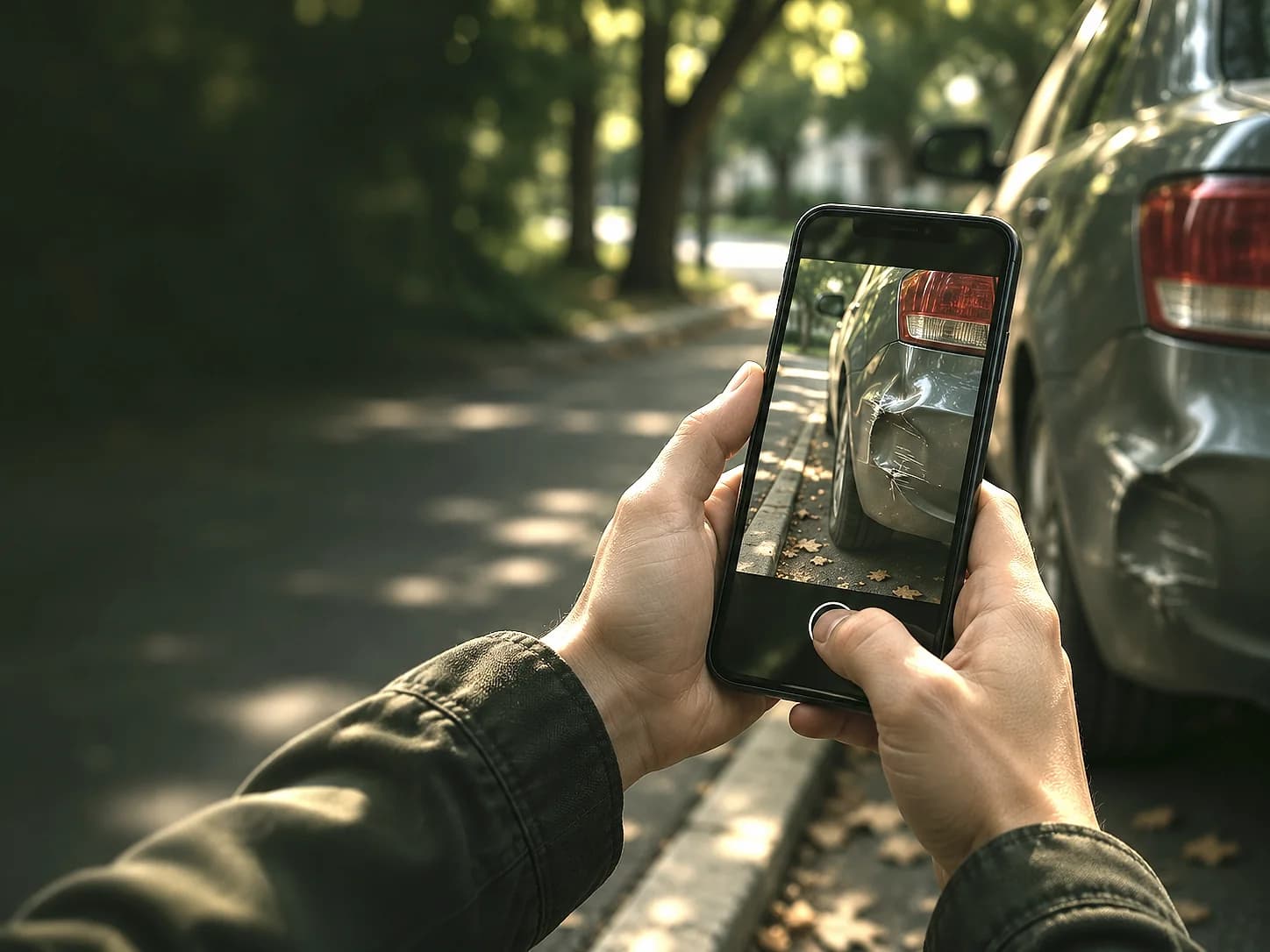
A direct line from your community. Non-emergency reports arrive with a GPS pin and photo or video evidence, and residents can track them by reference code.
Explore SpotOnn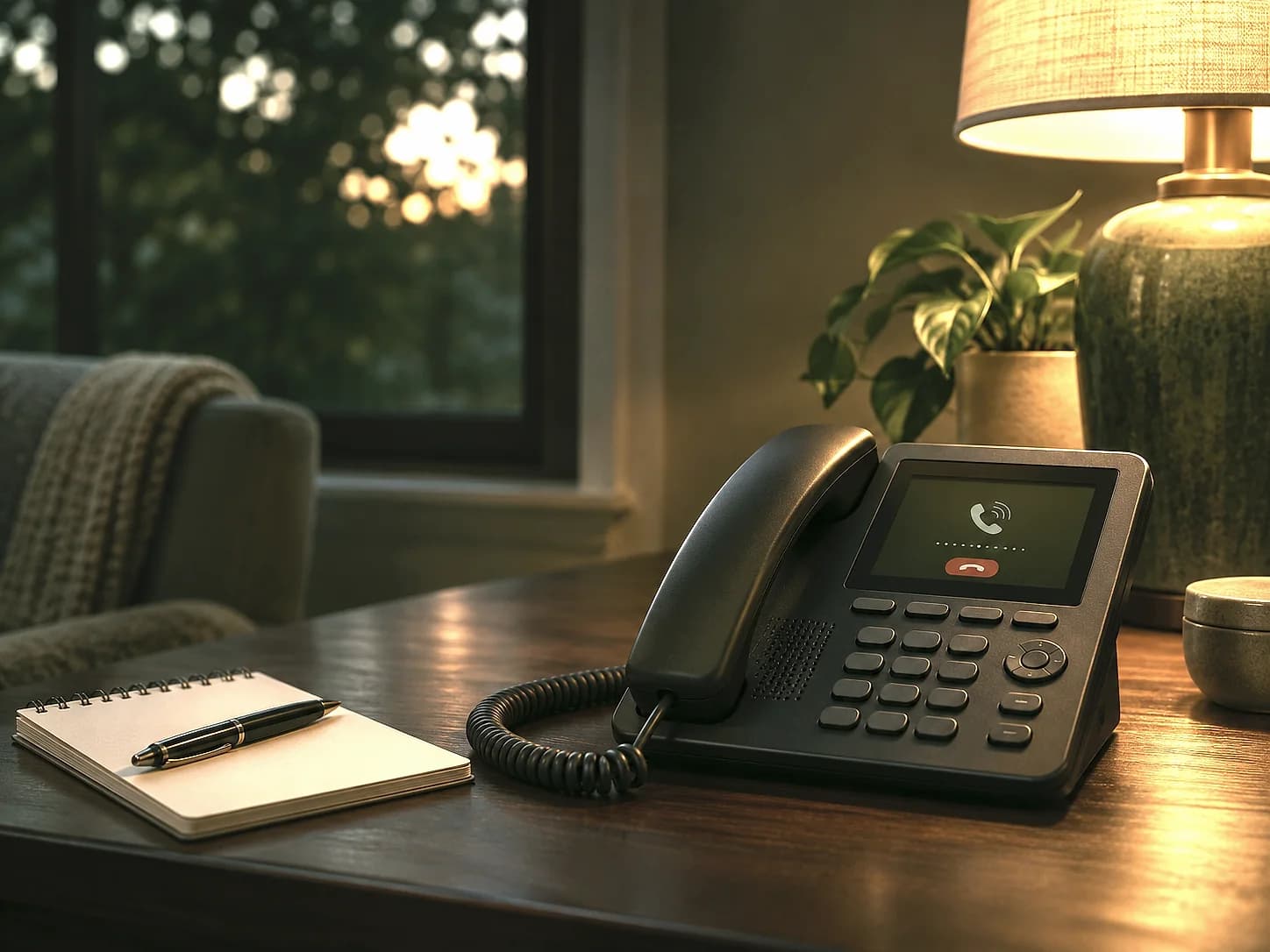
CallAssist
Turn a non-emergency voicemail into a structured record, with the recording, transcript and extracted details kept together for review.
Explore CallAssist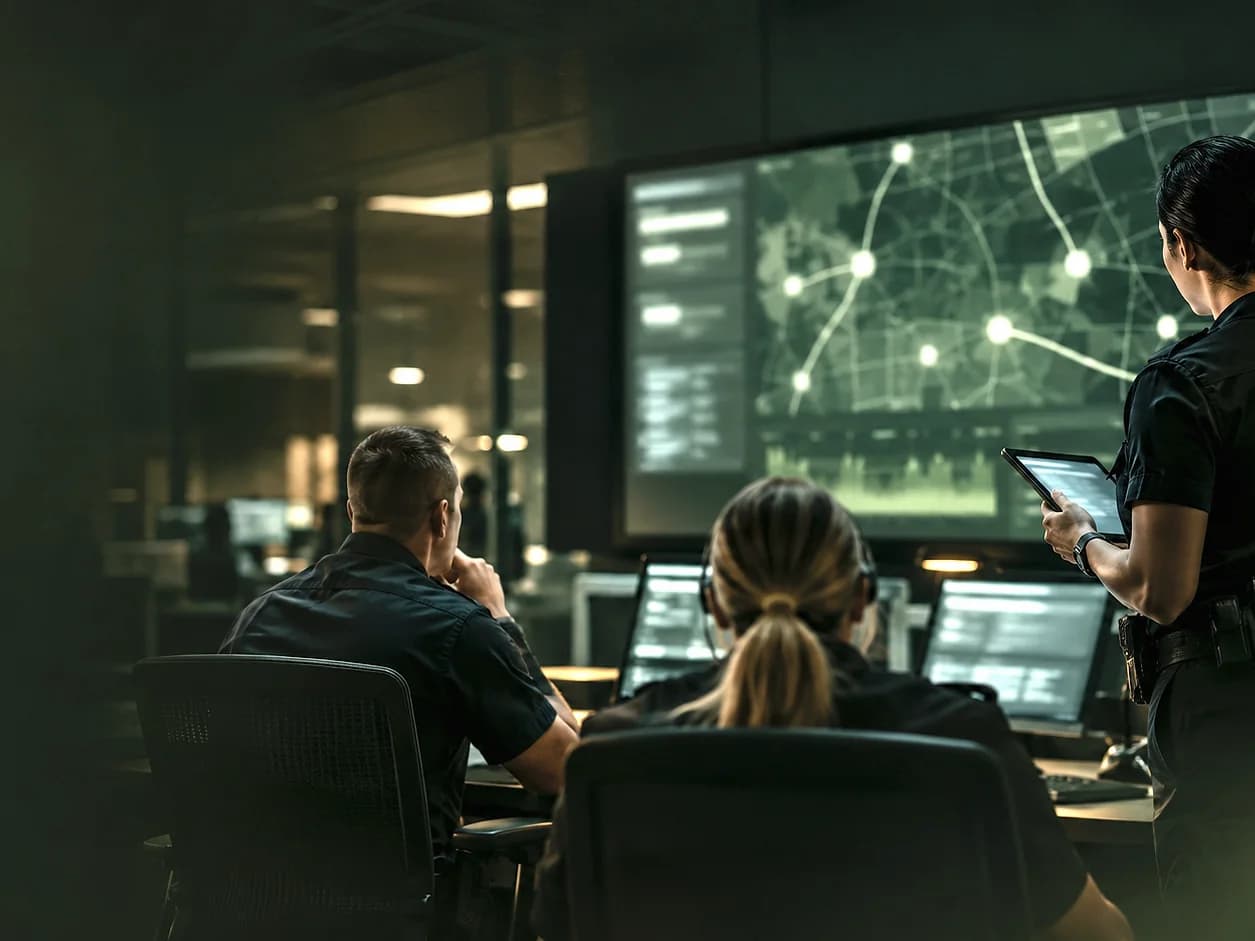
SafeAI Intelligence
The AI layer underneath every product: grounded extraction, location matching, evidence screening and duplicate detection, always reviewable by your staff.
Explore SafeAI Intelligence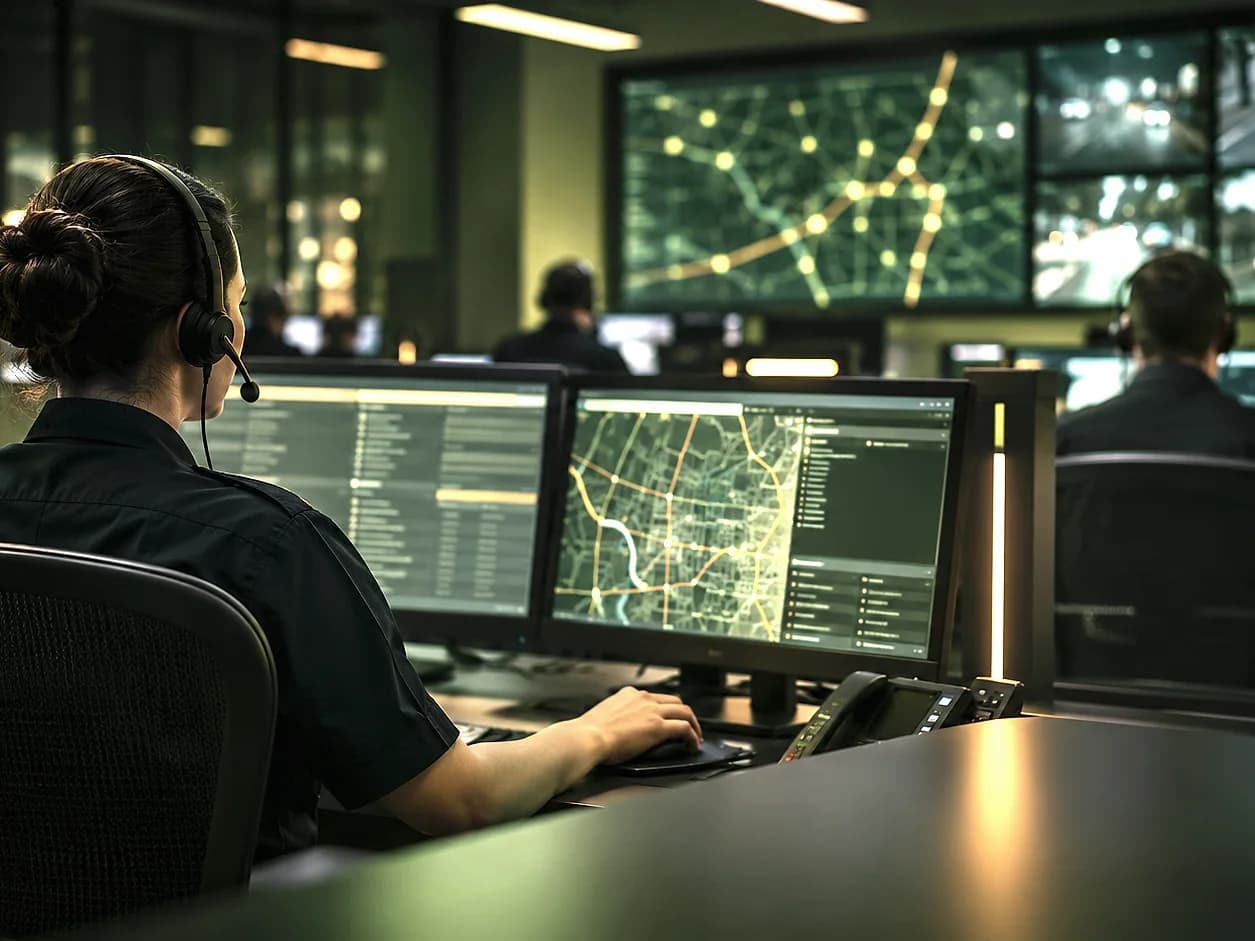
CAD Integration
Send a reviewed record to CAD after readiness checks and a person's approval, with call type, priority, narrative and location mapped, and keep the CAD incident reference.
Explore CAD Integration
Let's talk about your agency
See SafeAI RMS
with your workflow.
A guided demonstration follows one record from intake to the CAD incident reference, using your categories and your call types.
Here to report an incident?